Find your welcome email
It holds three details: username, password and server URL. Activation usually takes about 10 minutes, so check your spam folder if it isn't in the inbox yet.

Choose your device below and follow five short steps. Each guide assumes you've never done this before. If you get stuck, send a screenshot or a photo on WhatsApp and we'll tell you what to press next.
It holds three details: username, password and server URL. Activation usually takes about 10 minutes, so check your spam folder if it isn't in the inbox yet.
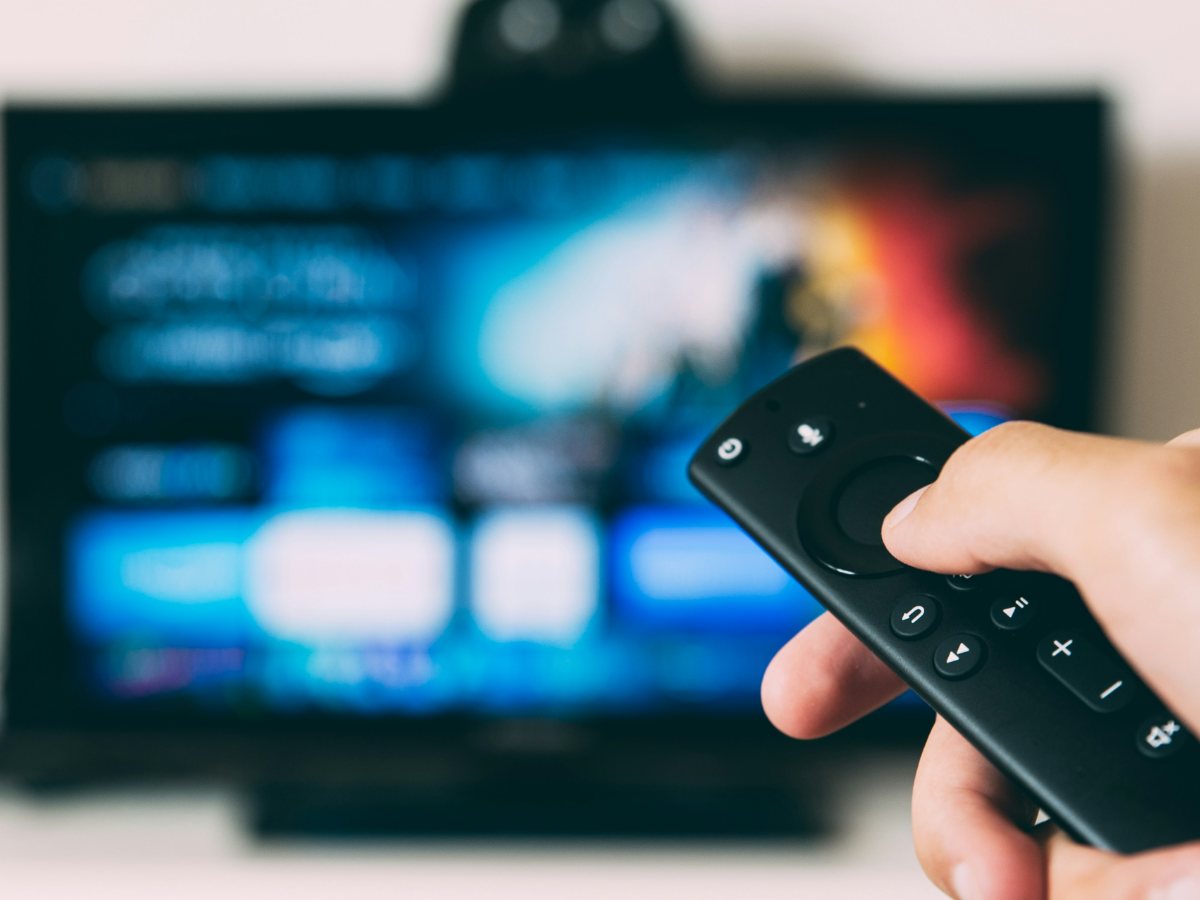
A Fire TV Stick, an Android TV, a Samsung or LG TV, an Apple device, a MAG box or a computer. Each one has its own app store and slightly different menus.
Streaming needs steady internet. If your TV is far from the router, a wired cable or a spot closer to the Wi-Fi makes a noticeable difference.
Message SuperPro IPTV support on WhatsApp at +44 7577 326684, use live chat, or email contact@iptvservices.online. Tell us your device, the app you installed and the step where things stopped. Help is available 24/7, and a photo of the screen is often the fastest way to an answer.
Plans start at
0 USD for one screen for one month. Choose 1–5 simultaneous screens and a 1, 3, 6, 12 or 24-month term. Pay once for the whole subscription.